ET-1810 ICC profile - for imprintable inks only
ET-1810 ICC profile - for imprintable inks only
Regular price
£0.00
Regular price
Sale price
£0.00
Unit price
per
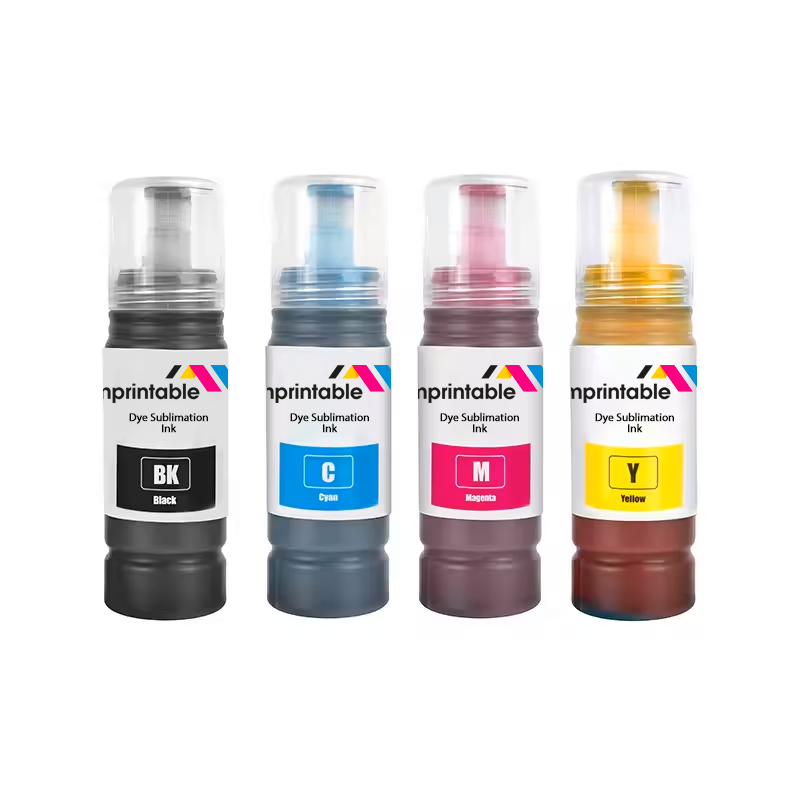
Only suitable for imprintable sublimation inks
Files are available to download immediately at checkout
Files are available to download immediately at checkout
This profile is only for the EPSON ET-1810 (and similar models in the ET-18xx range) A4 printer using imprintable Sublimation Inks on S-Race Vivid 120 sublimation paper. If you use different inks, a different printer model or different paper then this profile will not work. Please locate the correct profile for your printer or contact us for further assistance.
How it works:
- Copy the included ICC file(s) to the correct place on your computer.
Windows: C:\windows\system32\spool\drivers\color
Mac: /Library/ColorSync/Profiles
- Set your printer settings to match the following (this is the most important step)
Paper type: Epson Matte or Presentation Matte
Quality: Standard
Color correction: Custom > Advanced > No Color Adjustment
- In your print software, ensure that you use the following settings:
Document profile: sRGB IEC61966-2.1 or Adobe RGB (1998)
Color management: App manages color or Photoshop manages color
(For Mac only): Color Matching set of ColorSync.
ICC profile: imprintable ET-1810 - Sublimation Inks - S-Race (Relative)
Rendering intent: Relative
The settings above are referenced for advanced customers to install the profile themselves. However, all customers using imprintable inks receive a free remote dial-in (booking in advance required) to set these settings for you and ensure that you are printing correctly - contact us if you'd like us to do this part for you.